
Your digital employee, on WhatsApp.
She does the work, you stay in charge.
Myra joins your team’s WhatsApp on a number of her own. She answers from your company’s documents, does the routine work you hand her, writes your quotes and reports, and gets things done on websites. Anything that leaves the team waits for your yes.
No payment to start. Runs on your own Windows PC or Mac.
- Tara
Myra, what do we charge for the terrace on a Saturday evening?
- Myra
₹85,000 for a Saturday evening, for up to 150 guests.
From Price list 2026 - Kabir
Myra, send Saturday’s load-in times to the Venue partners group.
- Myra
🔐 I will send Saturday’s load-in times to the Venue partners group (23 people). Reply yes K7Q2 to go ahead, or no K7Q2 to cancel.
- Asha (you)
yes K7Q2
- Myra
✅ Sent to the Venue partners group.
- Works on WhatsApp
- Runs on your Windows PC or Mac
- Your data stays on your machine
- English, Hindi and Hinglish
She answers the team
Ask her the way you would ask a colleague.
In a direct message or in a group, your team asks and she answers from your price lists, policies and past work, and says where the answer came from. If she does not have a number, she says so and asks. She never guesses.
- Listens to voice notes; reads pictures, PDFs, Word, Excel and PowerPoint files
- Answers in English, Hindi or Hinglish: the language you wrote in
- Each person hears only what they are allowed to know
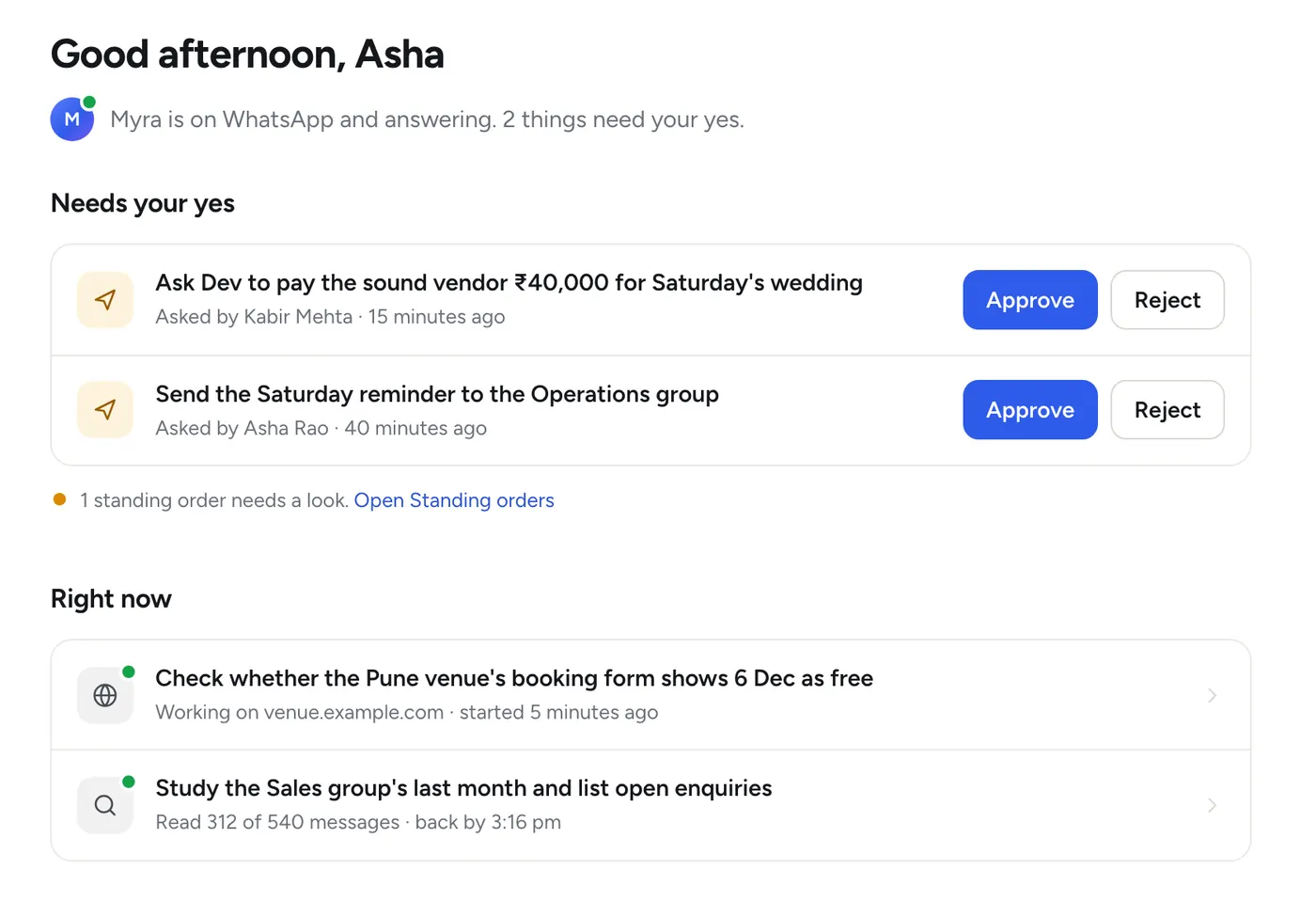
You stay in charge
Nothing leaves the team without a yes.
A message to a client, a post in a group, a payment, a change on a website: she prepares it, tells you exactly what will happen, and waits. Reply yes with the short code on WhatsApp, or press Approve on the dashboard.
- Only the people you choose can say yes
- One code for one action, never a bundle
- A request nobody answers expires after a day
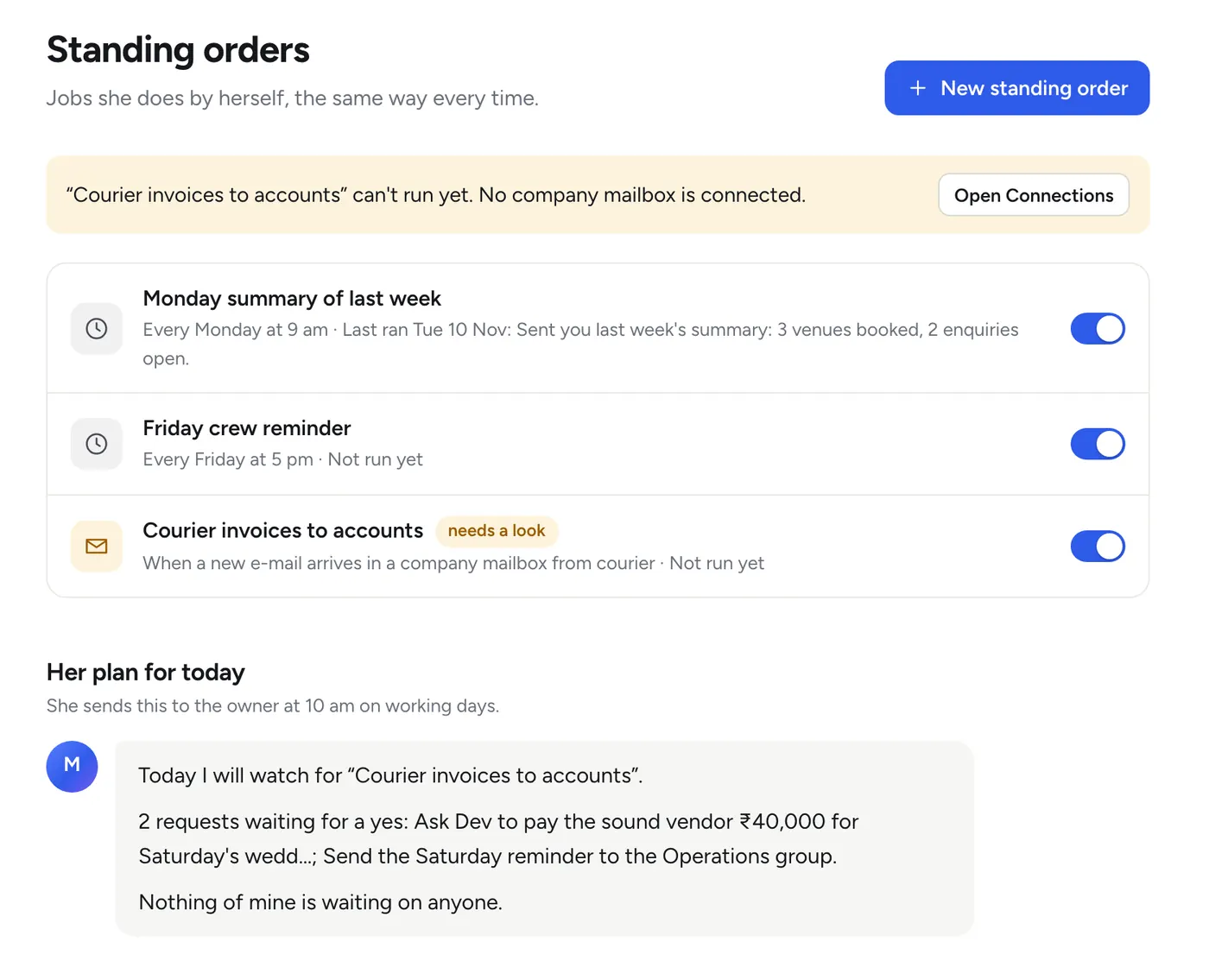
Standing orders
Tell her once. She does it every time.
Describe a routine in plain words. She turns it into a plan, shows you the plan, and saves it when you say yes. After that she does it the same way every time, and every run is written down.
- “Every Monday at 9 am, send me last week’s summary.”
- “If a lead has had no answer for two hours, nudge the front desk.”
- “When an e-mail with an invoice arrives, file it and tell me.”
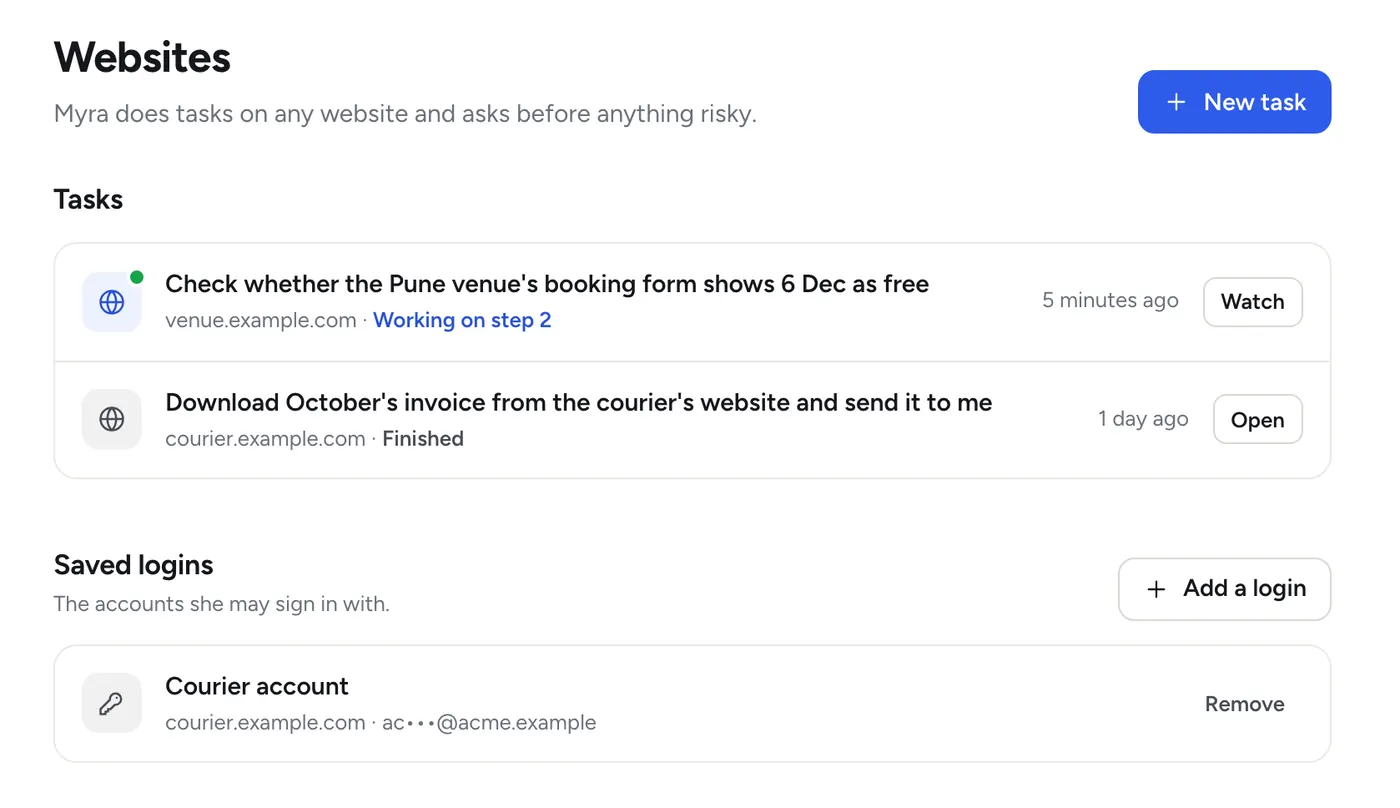
Websites
She gets things done on websites, in a browser of her own.
Download an invoice from a portal, fill in a form, check whether a date is free. She works in her own browser on your office machine, and you can watch every step. When a site asks for a one-time code, she asks a person on WhatsApp.
- Signs in only with the logins you saved for her
- A click that cannot be undone waits for a yes
- You decide which sites she may use, and who may ask her
How it works
Working in about ten minutes.
Three steps, no technical knowledge. The app walks you through each one.
-
Install the app
On a Windows PC or a Mac in your office that can stay on all day. Enter the licence key we e-mail you.
-
Link her WhatsApp number
Give her a number of her own: a new SIM in any spare phone. Scan one code and she is on WhatsApp.
-
Send her how you work
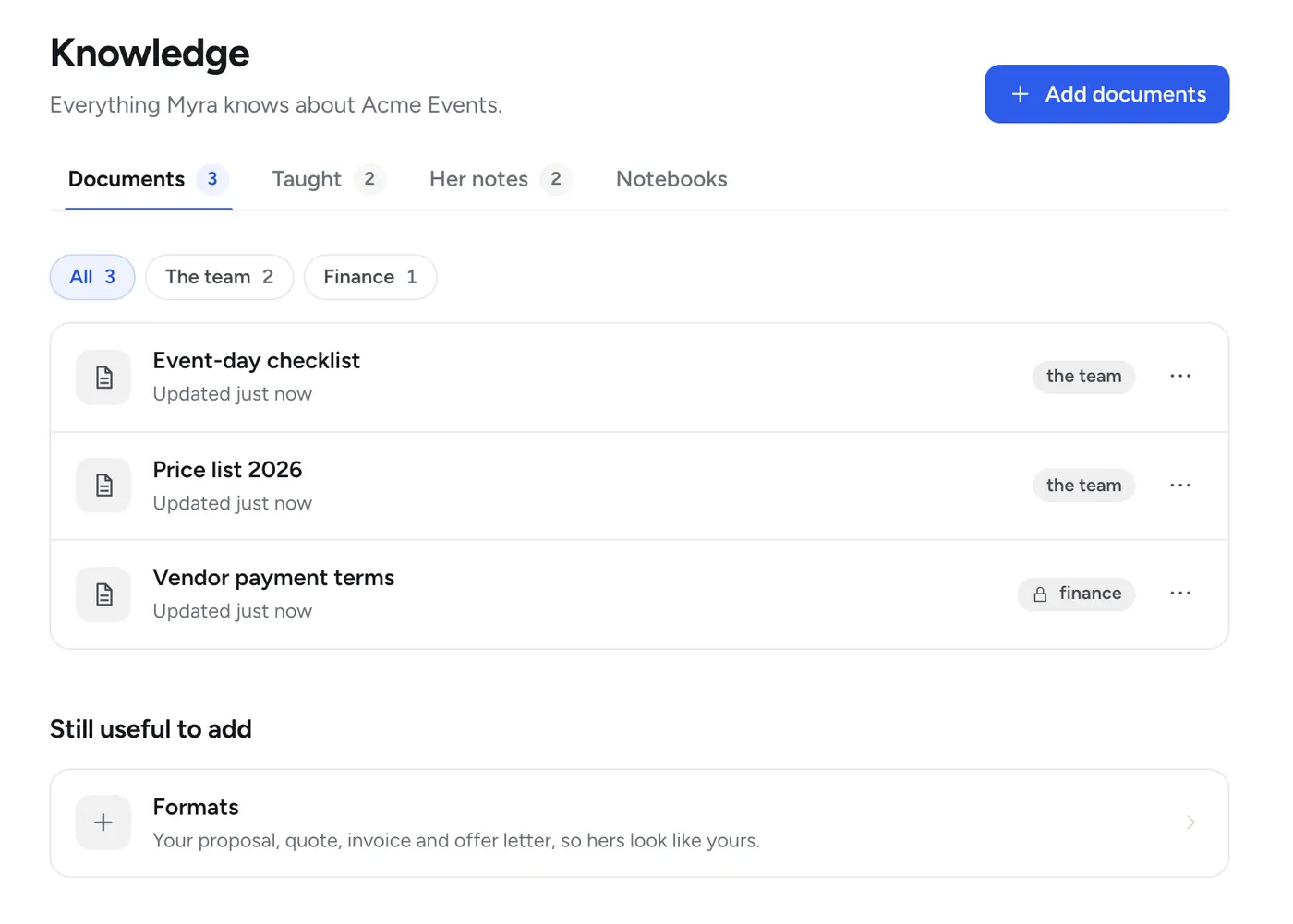
Your team list, price lists, a past quote, the routines you repeat. Send them on WhatsApp or add them on the dashboard.
What she can do
The work of a dependable office colleague.
All of it is in every plan.
On WhatsApp
- Answers your team’s direct messages
- Sits in the groups you switch on and answers when addressed
- Listens to voice notes, reads pictures and files
- Makes polls, tags people, forwards files
- Gives a stranger one polite line and hands them to a person
What she knows
- Learns from your documents, links and chats
- Remembers what she is taught, with who said it and when
- Says where an answer came from
- Keeps reminders and a to-do list for each person
- Asks two colleagues a question and brings you both answers
Work she does alone
- Standing orders on a clock, a message, a new e-mail or a new row in a sheet
- A morning plan and an evening roundup, every working day
- A nudge when a lead has gone unanswered
- One switch pauses all of it
Documents and websites
- Proposals, quotes, reports, checklists and letters in your formats
- Every figure checked against where it came from
- Tasks on any website, in her own browser
- One-time codes asked for on WhatsApp
Safety and privacy
Your company’s data stays yours.
She is built the way you would want a new colleague to behave: careful with what she knows, and asking before she acts.
It stays on your machine
Messages, documents, her notes and your team list live on the computer in your office. None of it is stored with us, unless you choose to have us run her on the Managed plan.
She asks first
Anything that reaches a client, a group or a website’s final button waits for a yes from a person you named.
Each person, their own view
Money answers go only to people marked for finance, in a direct message. A document is never quoted to someone below its level.
What she will not do
She never keeps identity documents, payslips, CVs or medical files, and never writes down passwords, one-time codes or bank details.
When she thinks, the text of that one conversation is sent to the AI provider and the answer comes back. Nothing of your conversations is stored with us. On the Managed plan she runs on our servers, so her data is stored there; the Managed questions say what else is different. How your data is handled
Good to know before you start
Three things she needs from you.
A number of her own
A new SIM, never your main business line or anyone’s personal WhatsApp. WhatsApp can restrict a number that a program uses; if that ever happens you lose a SIM, not your business.
A machine that stays on
She works from one computer in your office. While it is on she works at any hour. If it sleeps, she stops until it wakes.
A little of your time in week one
She is better at what she has been shown than at what she has to guess. The first week is for sending her how you work.
Give her a desk for 14 days.
The full product, free for 14 days. No payment first. If you do not buy a plan she pauses, and nothing is deleted.
Pay by UPI or card when you are ready. Payments are handled by Razorpay.